Guides Credit codes
Credit codes
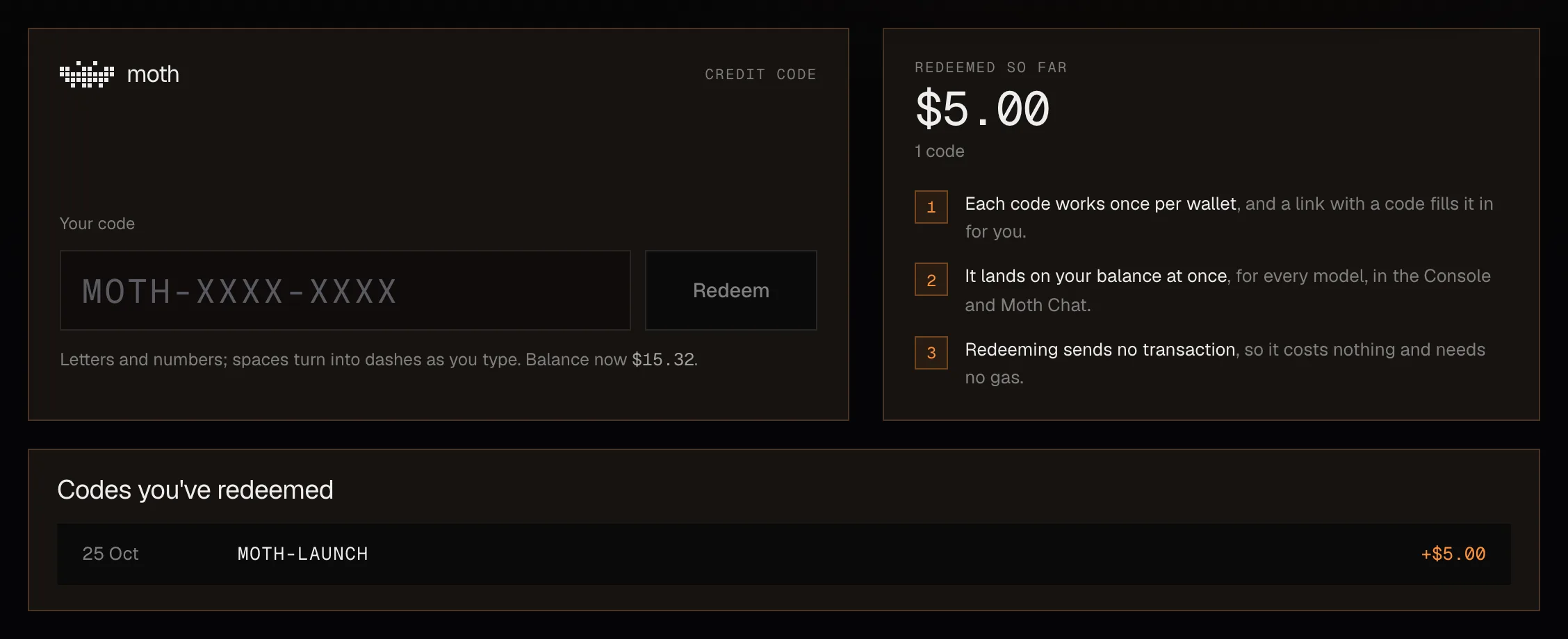
A credit code adds dollars to your balance once, and you redeem it in Moth Console under Billing.
Open Billing
Sign in to Moth Console with your wallet and open Billing.
Type the code
Case, spaces and dashes don't matter, so
ABCD-1234andabcd 1234are the same code.Redeem it
The credit lands on your balance at once, and the code joins your list of redeemed codes.
When a code is refused
MessageWhy
That code isn't valid.There is no such code, or it was turned off
You've already used this code.Each account can use a code once
This code has been used up.Every use of it has been taken
This code has ended.Its end date has passed
This code isn't open yet.Its start date hasn't come
Too many tries. Wait a few minutes and try again.Every try counts, right or wrong, so codes can't be guessed
Credit from a code is the same as any other credit and is spent at the same prices on every model. Codes can also be redeemed through the API with a wallet session.