Redeem a credit code
Moth DocsTutorials
A credit code adds credit to your balance for every model, and it takes a few seconds from Moth Chat.
Connect a wallet
A code adds credit to the wallet's balance, so connect the wallet first, as Get started shows.
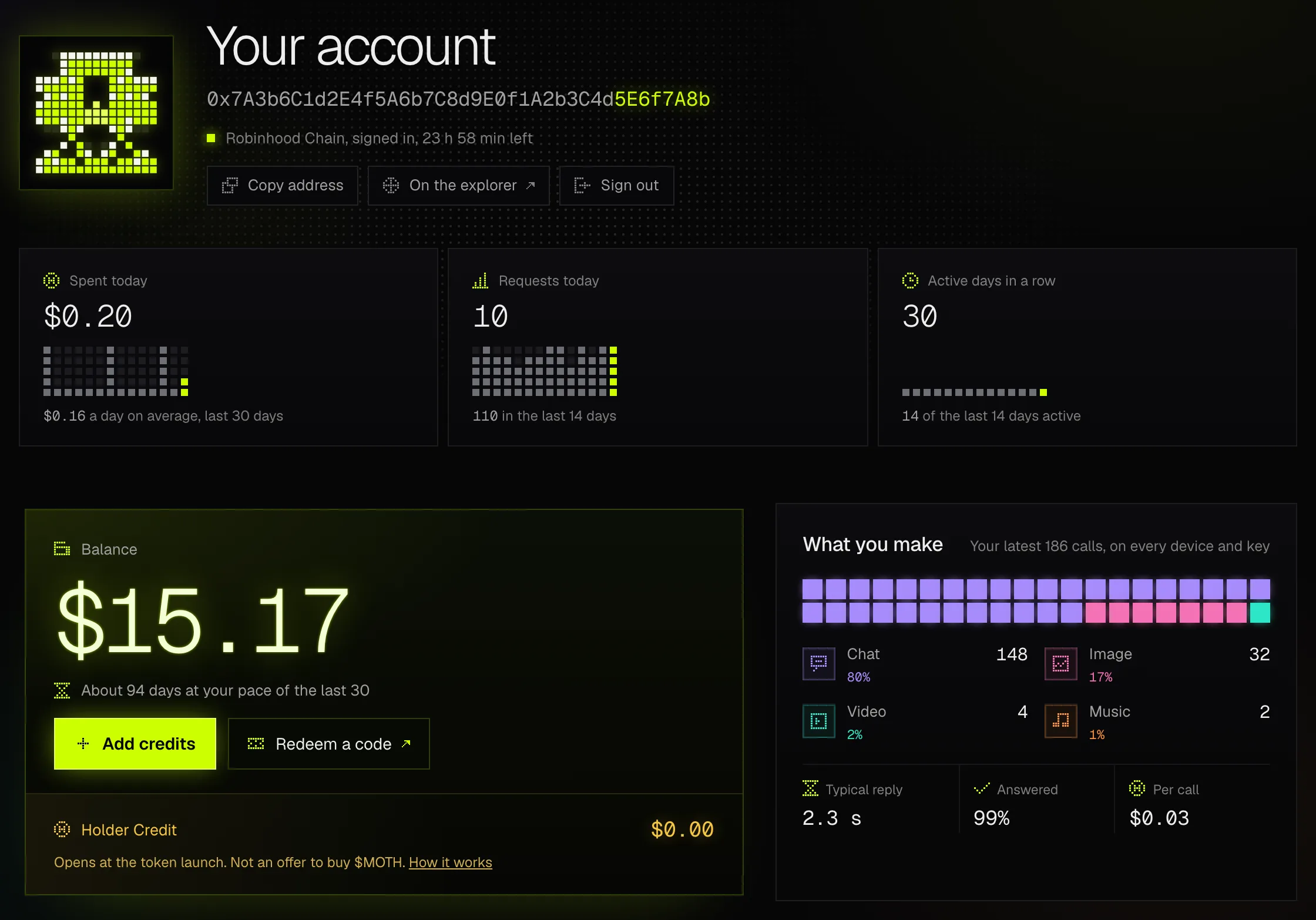
Open the Account page
Open the account menu at the foot of the panel and choose Account.
Press Redeem a code
It sits under the balance beside Add credits, and opens Credit in Moth Console with Redeem a code open.
Type the code and press Redeem
Case, spaces and dashes don't matter. The credit lands on your balance at once, for every model in Moth Chat and through your API keys.
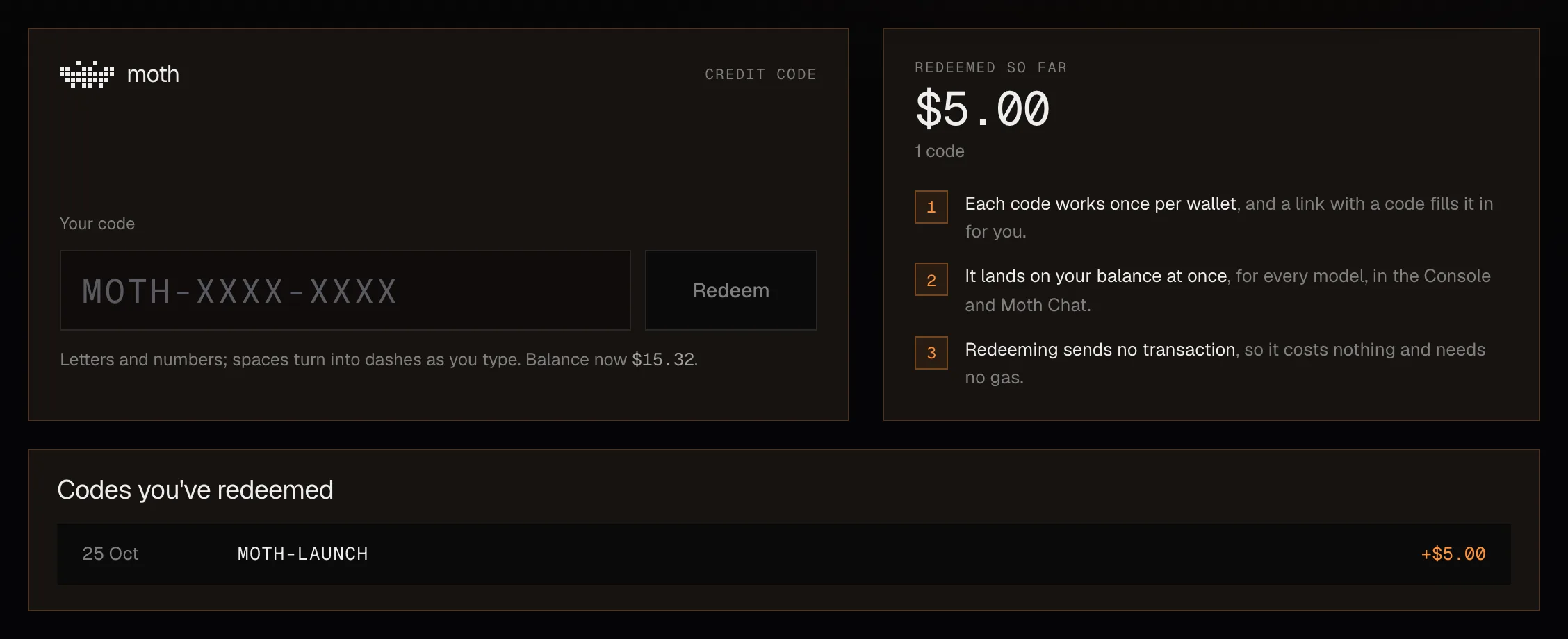
- A link that carries a code opens Redeem a code with the code filled in.
- Redeeming sends no transaction, so it costs nothing and needs no gas.
- Each code works once per wallet. Credit codes lists why a code can be refused.