Temporary chats and Backup
Moth DocsTutorials
Keep a chat out of this browser's history with Temporary, or keep every chat across devices with an encrypted backup.
Moth Chat keeps your chats in this browser, and Moth keeps no copy of what you send to a model. Temporary and Backup move that line in opposite directions.
Temporary chats
Open a new chat
Temporary is set before the first message, so start from New chat.
Turn on Temporary
Press the Temporary switch at the top right. The welcome line changes to say the chat and what you make in it are erased when you close Moth Chat.
Chat as usual
After the first message the switch stays as a Temporary mark, and the chat can no longer be switched.
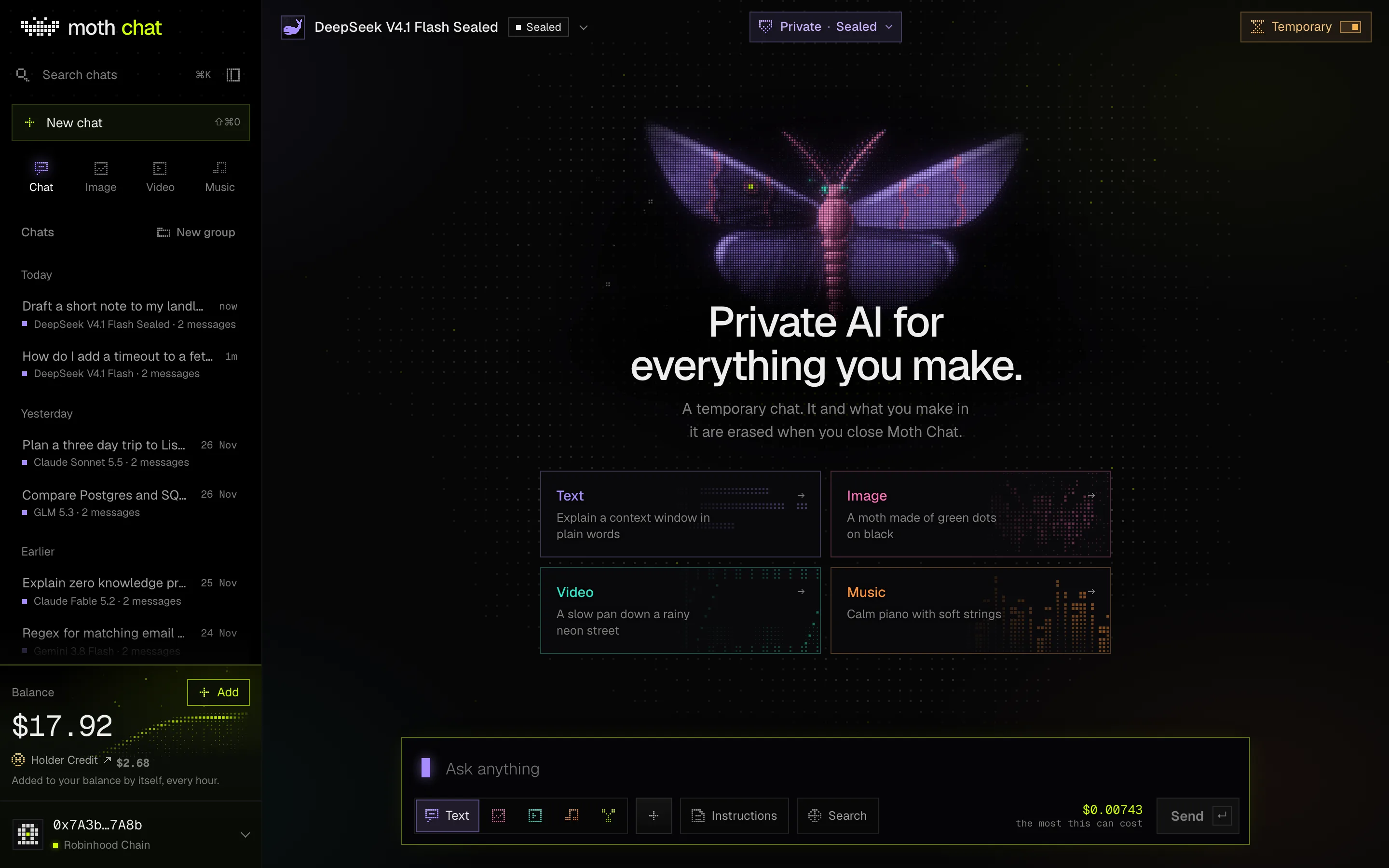
- A temporary chat is marked in the panel, and what you make in it is marked in the Library, until you close Moth Chat.
- A temporary chat is never backed up.
Turn on Backup
Open Backup
Open the account menu at the foot of the panel and choose Backup, or open Settings and its Backup tab.
Turn it on
Press Turn on backup. Your browser seals each backup before it leaves, and Moth keeps only the sealed copy.
Save the recovery code
The code is 13 groups of four characters. Copy it or download it, keep it somewhere safe, tick I saved my recovery code and press Done. Moth cannot reset it, and only this browser can show it again.
Add a passkey, if you like
Add a passkey opens the backup with Face ID, Touch ID or your device's lock, with no code to type.
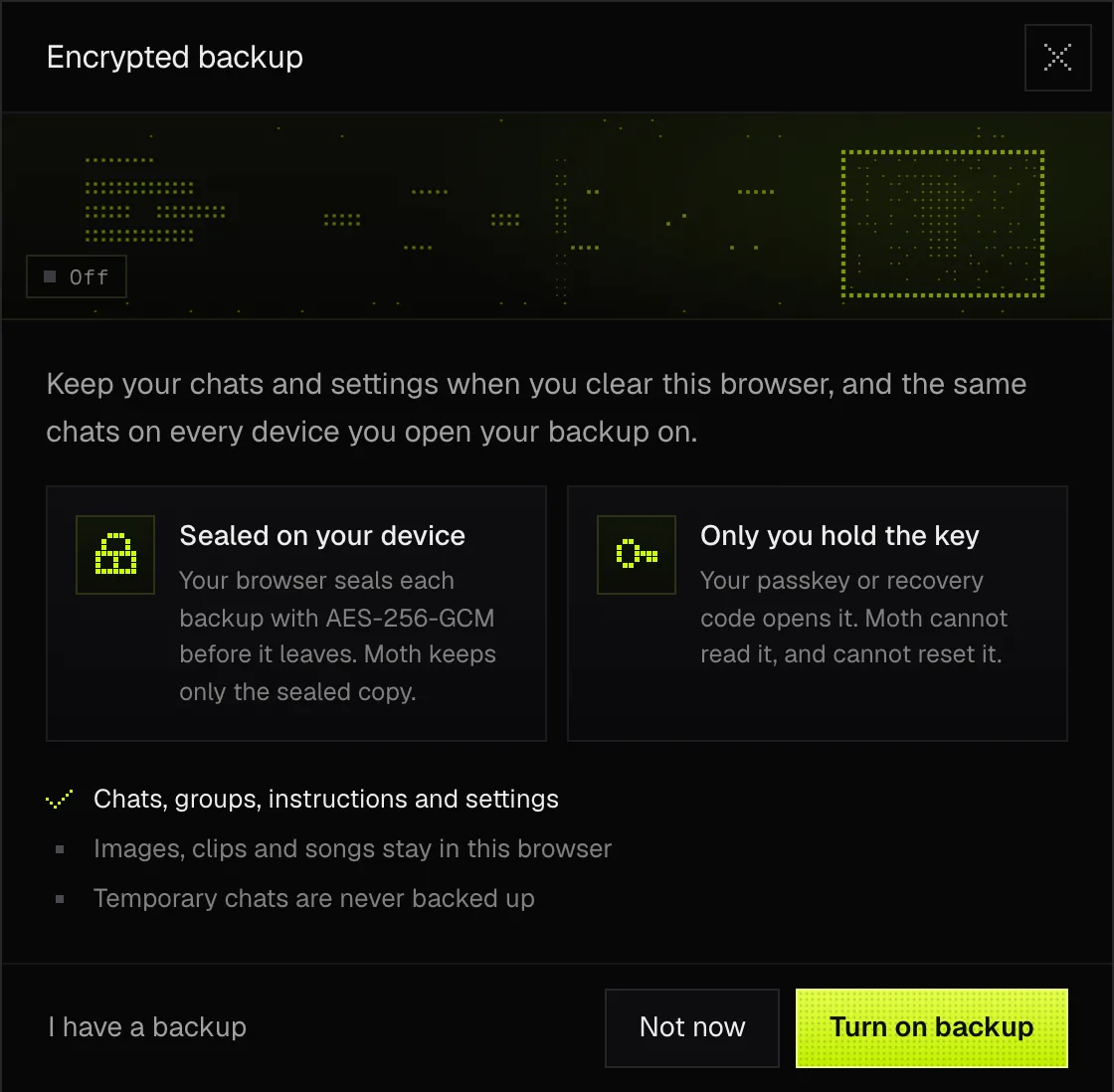
- A backup keeps chats, groups, instructions and settings. Images, clips and songs stay in this browser.
- It runs by itself a few seconds after a chat changes, and brings in what your other devices changed.
- Back up now runs it at once, and the window shows when it last ran.
Restore on another device
Open Backup there
Open Backup in Moth Chat on the other device and press I have a backup.
Use the passkey or the code
Press Use a passkey, or type the 52-character recovery code and press Restore.
Check what came in
The window says how many chats it restored, and backup is on in that browser from then on. What was already there stays.
Turn it off
Turn off backup asks first, then deletes the copy Moth keeps. Your chats stay in this browser, and a device that still has backup on writes a new copy.